
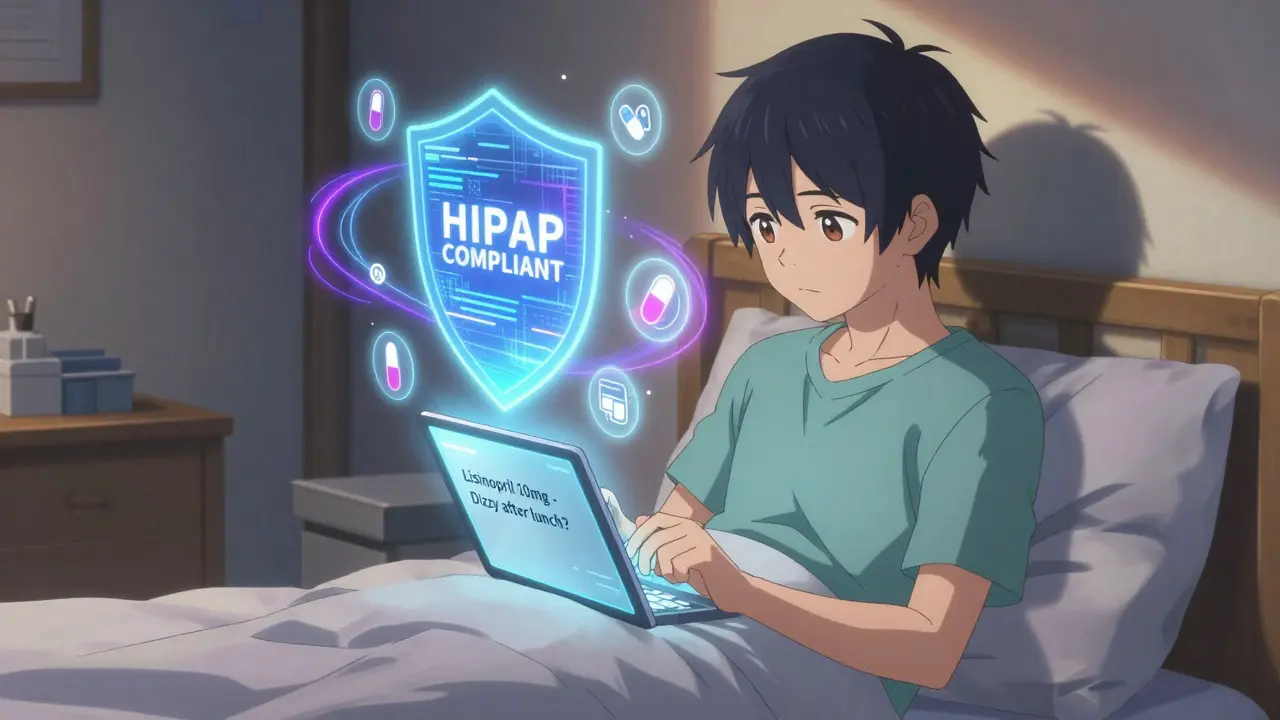
Asking questions about your meds shouldn’t feel like a game of phone tag. If you’ve ever waited days for a pharmacist to return your call-or worse, sent a text to your doctor’s personal number-you know how risky and frustrating it can be. The good news? There’s a safer, faster way: secure messaging. It’s not just a feature in your patient portal. It’s a HIPAA-compliant lifeline for medication questions, backed by real data and used by millions of patients every day.
Why Secure Messaging Is the Only Safe Way to Ask About Medications
Standard texts, emails, and even WhatsApp aren’t allowed for medical communication. Why? Because they don’t protect your health data. In 2024, 72% of healthcare data breaches came from unsecured messages. That’s not a small risk-it’s a major threat to your privacy and safety. Secure messaging systems, built into platforms like Epic’s MyChart, Cerner, and My HealtheVet, use end-to-end encryption, audit logs, and access controls to keep your information safe. These systems are required by law under HIPAA and the HITECH Act. And they’re not just for compliance-they work better. Studies show that using secure messaging reduces medication errors by up to 37% compared to phone calls or paper notes. This isn’t theory. The Veterans Health Administration processes over 4.7 million medication-related secure messages every month. Hospitals like Brigham and Women’s use it daily. If your provider offers it, you’re already sitting on a tool that saves time, reduces mistakes, and gives you a clear record of every conversation.What Counts as a Medication Question (and What Doesn’t)
Not every question belongs in secure messaging. It’s designed for non-urgent, detailed questions-not emergencies. Good uses:- “I started taking lisinopril 10mg daily last week. I feel dizzy after lunch. Is that normal?”
- “Can I take ibuprofen with my new blood thinner?”
- “My prescription says take 2 pills at night, but the bottle says 1. Which is right?”
- “I need a refill on metformin. My pharmacy says I’m out of refills.”
- “I had a rash after taking this medication. Here’s a photo of the label.”
- “I can’t breathe-did I have a reaction to my new pill?”
- “I took too much of my medicine. What do I do?”
- “My chest hurts and my arm is numb.”
Step-by-Step: How to Send a Medication Question the Right Way
Using secure messaging isn’t complicated, but doing it right matters. Here’s how to get your question answered quickly and accurately:- Add your meds to your health record-Before you message, go to the “Medications & Allergies” section of your portal. Make sure every pill, injection, and supplement you take is listed. This cuts down confusion and errors by 37%. If your meds aren’t there, the system can’t help you properly.
- Select the “Medication” category-Don’t just send a general message. Choose “Medication Question” or “Prescription Inquiry” from the subject dropdown. This routes your message to the pharmacy team, not your doctor’s inbox. At most clinics, this step alone cuts response time by 40%.
- Write the message like a pro-Include these five things:
- Exact medication name (brand and generic, if you know it)
- Dosage (e.g., “500 mg”)
- Frequency (e.g., “twice daily”)
- Your specific question
- Context (e.g., “I started this last Tuesday,” or “I took it with food and felt nauseous”)
Dr. David Bates from Harvard says patients who include this info reduce clinician workload by 32%. That means faster replies.
- Attach a photo of the pill bottle-If you’re unsure about the dosage or have a reaction, snap a clear picture of the label. Over 85% of secure messaging platforms support this now. It’s faster than describing it, and it eliminates guesswork.
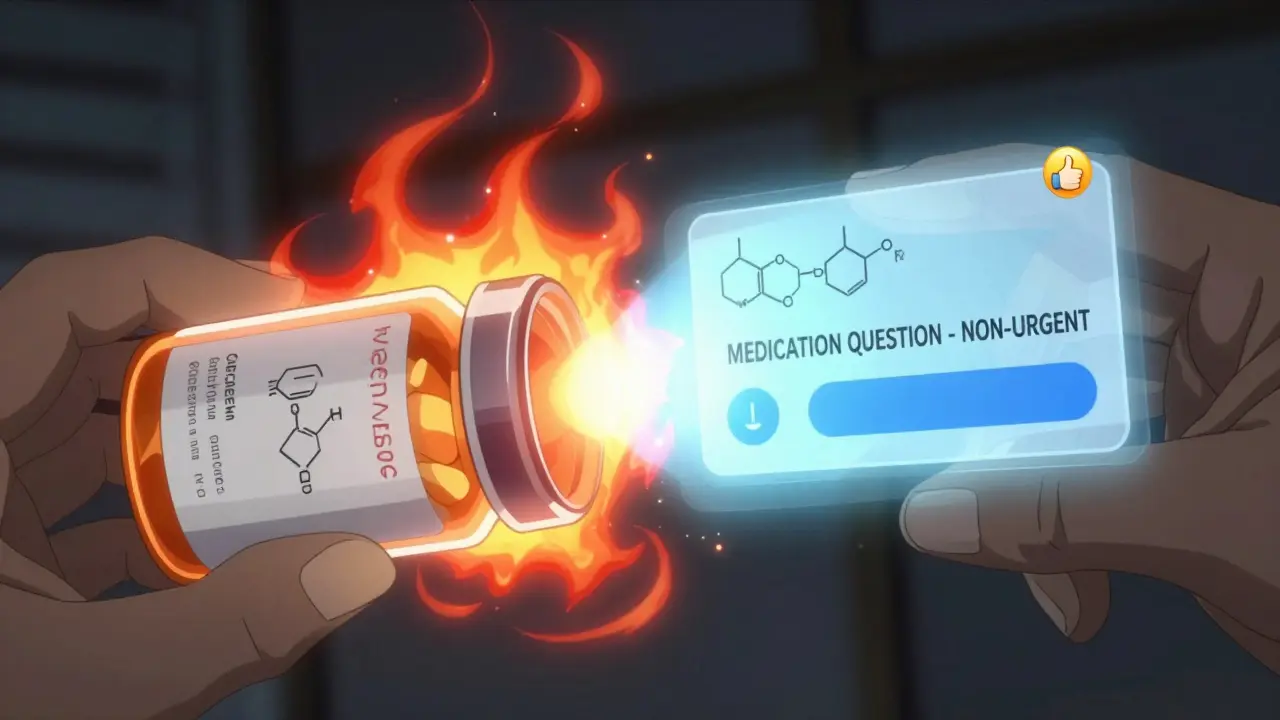
- Use the subject line: “MEDICATION QUESTION - NON-URGENT”-This isn’t optional. The Veterans Health Administration found that using this phrase reduces misrouting by 44%. Your message won’t get lost in a pile of appointment requests or lab results.
Pro tip: Include your pharmacy’s NABP number if you’re asking for a refill. One Reddit user reported that doing this cut their renewal time in half.
What Happens After You Hit Send
Once you send your message, you won’t get an instant reply. That’s normal. Secure messaging isn’t a chat app. Most systems aim to respond within 24-72 hours. But here’s the trade-off: you get a documented, legal record of the exchange. No more “I thought you said…” or “I didn’t get that email.” You’ll get a notification in your portal or app-not your personal email. Why? Because email isn’t secure. Over 73% of systems disable email alerts for medication messages to prevent accidental PHI leaks. If you don’t hear back in 72 hours, check your portal. Sometimes messages get buried. You can also call the clinic’s pharmacy line and say, “I sent a secure message about my medication on [date]. Can you check the queue?”Platform Differences: MyChart, Cerner, Updox, and More
Not all secure messaging systems are the same. Here’s how the big ones compare:| Platform | Market Share | Key Medication Feature | Response Time | Special Advantage |
|---|---|---|---|---|
| Epic MyChart | 55% | One-click refill requests | 24-72 hours | Used by 2,500+ hospitals; integrates with pharmacy systems |
| Cerner HealtheIntent | 18% | Medication reconciliation tools | 48-72 hours | Strong for complex regimens |
| Updox | 12% | Direct pharmacy integration | 12-48 hours | Auto-processes 68% of maintenance drug refills without clinician input |
| TigerConnect | 7% | Specialty med support | 24-48 hours | 92% accuracy on complex drug interactions |
| My HealtheVet | 92% VA adoption | Structured medication category | 24-48 hours | 44% fewer misrouted messages thanks to labeling system |
MyChart leads in volume, but Updox and TigerConnect are faster and smarter for refills and complex meds. If you’re on a specialty drug like insulin or biologics, TigerConnect’s accuracy might be worth switching providers for.
Common Mistakes and How to Avoid Them
Even with the best system, people mess up. Here are the top errors-and how to dodge them:- Using personal email or text-18% of first-time users try this. The system will warn you, but if you ignore it, you risk a HIPAA violation. Always use the portal.
- Forgetting to add meds to your record-If your meds aren’t listed, your provider has to guess what you’re asking about. That delays answers and risks errors.
- Using vague language-Don’t say “I’m having side effects.” Say “I’ve had nausea every morning since starting metformin 500mg.” Specifics get faster answers.
- Expecting instant replies-This isn’t WhatsApp. If you need help right now, call or go in person.
- Confusing secure messaging with consumer apps-A 2023 JAMA study found 31% of patients thought WhatsApp was safe for meds. It’s not. Never use it.
What’s Coming Next
By 2026, AI will auto-fill your medication history when you send a question. The ONC’s 2025 Interoperability Rule will require all systems to use structured templates by December 2025. That means fewer typos, faster replies, and less work for your provider. Some systems already let pharmacies auto-approve refills without clinician approval. Blue Cross Blue Shield and Epic now process over 1.2 million automated refill requests every month. That’s the future: less waiting, less paperwork, and more safety.Final Tip: Make It a Habit
Most patients get comfortable with secure messaging after two tries. The first time feels awkward. The second time, you’ll realize it’s the easiest way to manage your meds. Keep your list updated. Use the right subject line. Attach photos. Don’t use it for emergencies. This isn’t just about convenience. It’s about safety. Every time you use secure messaging correctly, you help prevent a medication error. That’s not just good for you-it helps your whole care team do their job better.Can I use secure messaging to ask for a prescription refill?
Yes, but only if your provider’s system allows it. Most platforms like Updox and Epic MyChart have a dedicated refill button. If yours doesn’t, send a secure message with your medication name, dosage, and the phrase “MEDICATION QUESTION - NON-URGENT.” Include your pharmacy’s NABP number if you have it. Refills typically take 24-48 hours. Never use this for new prescriptions or controlled substances-those require a visit or phone call.
Is secure messaging really safer than calling my doctor’s office?
Yes. Phone calls leave no record, and staff might mishear your name or dosage. Secure messaging creates a legal, encrypted log that both you and your provider can refer to later. Studies show it reduces medication errors by 37% compared to phone calls. Plus, you avoid hours of hold music and voicemail loops.
What if I don’t have a patient portal?
Ask your provider if they offer secure messaging. Most hospitals and larger clinics do. If they don’t, request it-patient demand is driving adoption. In 2024, 87% of U.S. healthcare systems already use it. Community clinics may lag behind due to cost, but you can still ask for alternatives like encrypted email or fax for medication questions. Never use personal email or text.
Can I send photos of my medication labels?
Yes, and you should. Over 85% of secure messaging platforms support photo uploads. If you’re reporting a side effect, allergic reaction, or confusion about dosage, a clear photo of the pill bottle or prescription label helps your provider confirm the exact medication. This is faster and more accurate than describing it.
Why do I have to wait 24-72 hours for a reply?
Secure messaging isn’t designed for instant replies-it’s built for accuracy and safety. Messages are routed to pharmacists or care teams who review them during business hours. Urgent issues are flagged, but most questions take time because they require checking your full record, drug interactions, and refill history. The trade-off? A documented, error-free answer you can refer to later. If you need help sooner, call the clinic’s pharmacy line.
Is secure messaging free to use?
Yes. Secure messaging is included as part of your patient portal at no extra cost. You don’t pay for messages, photos, or refill requests. Some platforms may charge for premium features like video visits, but medication communication is always free. If someone asks you for payment to use secure messaging, it’s a scam.
13 Comments
December 27, 2025 Ellie Stretshberry
i just started using mychart for my meds and honestly it changed everything. no more calling and waiting on hold for 20 minutes. i sent a question about my blood pressure pill and got a reply in 18 hours. no drama, no confusion. just clear info. i wish i did this sooner.
December 27, 2025 Zina Constantin
This is exactly the kind of practical, life-saving advice that gets buried under clickbait. Secure messaging isn’t just convenient-it’s a public health necessity. Every patient should be trained on this in high school. The fact that 14.7% still try to text emergencies? That’s a systemic failure we can fix with education.
December 27, 2025 Dan Alatepe
bro i tried sending a pic of my pill bottle on whatsapp once... 🤡 my cousin who’s a nurse screamed at me through the phone. now i use mychart. no cap. the system even auto-filled my meds after i uploaded the bottle. it felt like magic. also i got a reply before my coffee got cold. 🫡
December 29, 2025 Angela Spagnolo
I... I didn’t realize... that... I was supposed to... add my meds... to the portal... before messaging...? I’ve been sending messages for months... and... I just... assumed... they... knew...? 😅
December 31, 2025 Sarah Holmes
It’s irresponsible to suggest that secure messaging is a substitute for direct human interaction. You’re reducing complex medical concerns to a bureaucratic form. What happens when the system glitches? When the pharmacist is overwhelmed? When your question is buried under 200 other ‘non-urgent’ messages? This is dehumanizing healthcare. And you call it ‘safe’? It’s sanitized neglect.
January 1, 2026 Jay Ara
real talk i used to text my doc for refills and he always forgot to reply. now i use the portal with the exact subject line and boom 24 hours later its done. no drama. no stress. just send the pic of the bottle and move on. simple works
January 2, 2026 Bryan Woods
The data presented here is compelling. The 37% reduction in medication errors aligns with peer-reviewed studies from the Journal of Patient Safety. I would encourage all patients to treat secure messaging not as a convenience, but as a core component of their care plan. It is, in fact, a form of patient advocacy.
January 3, 2026 Ryan Cheng
I used to think this was just for old people. Then my grandma had a bad reaction to a new med. She sent a pic of the bottle, the system flagged it, and the pharmacist called her within an hour. She’s 78. She didn’t even know how to use Zoom. But she could send a photo. That’s the power of good design.
January 4, 2026 wendy parrales fong
I think about how much time we waste on phone calls and voicemails. Like... imagine if every person who ever waited on hold for a pharmacy refill used that time to take a nap or hug their kid. This system? It’s not just efficient. It’s kind. It gives us back our minutes.
January 4, 2026 Jeanette Jeffrey
Oh wow, another article telling patients to be passive and follow the system. What about the people without smartphones? Or who can’t read? Or who live in rural areas with no internet? This isn’t progress-it’s exclusion dressed up as innovation.
January 6, 2026 Shreyash Gupta
I tried this. It took 3 days. I sent a message about my insulin. Got no reply. Called the clinic. They said ‘oh we didn’t see it.’ So I sent it again. Then they said ‘oh we got it, but it’s not urgent.’ So I called again. Then they said ‘oh you should’ve used the refill button.’ So I did. Then I got a refill. I’m tired.
January 6, 2026 Michael Bond
Use the subject line. It works.
January 8, 2026 Kuldipsinh Rathod
my dad used to call the pharmacy every time he needed a refill. now he uses the app. he says it’s like texting his doctor. no yelling. no waiting. just send and forget. he’s 72. he taught me how to do it. best thing he ever did for his health.
Write a comment